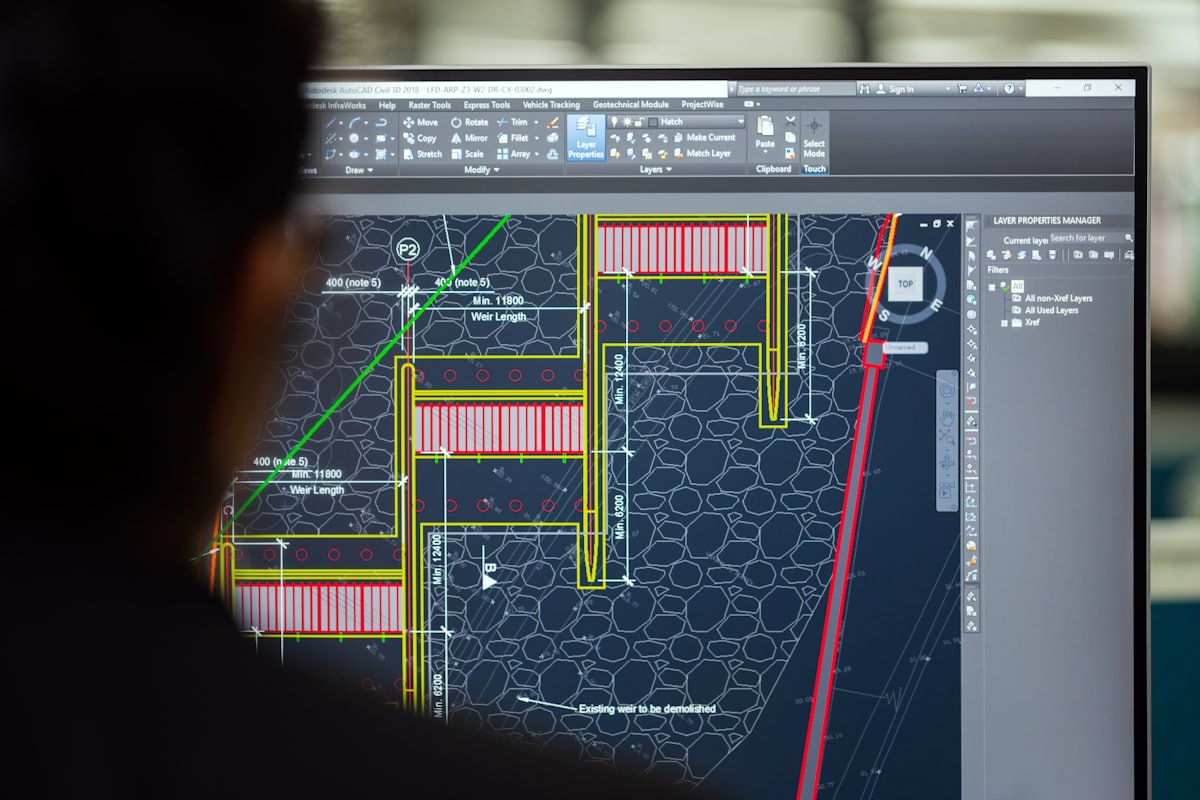
As Certified SolidWorks Professionals, we've developed a systematic approach to 3D modeling that ensures efficiency, accuracy, and design integrity. Following these best practices can dramatically improve your SolidWorks workflow and the quality of your designs.
This comprehensive guide covers essential techniques from basic sketching to advanced assembly management, drawing on our decade of experience in professional mechanical design.
Strategic Sketching Techniques
Proper sketching forms the foundation of robust parametric models. A well-constructed sketch ensures your design intent is preserved through changes and modifications.
Essential Sketching Principles
- Always fully define sketches with dimensions and relations
- Use construction geometry to establish reference frameworks
- Apply symmetry relations early to maintain design intent
- Minimize the use of splines in foundational sketches
- Keep sketches simple - complex features are built through multiple sketches
- Use appropriate sketch planes for your design intent
Common Sketching Mistakes to Avoid
- Over-defining sketches: Adding unnecessary constraints that limit flexibility
- Under-defining sketches: Leaving sketches with degrees of freedom that cause unpredictable behavior
- Ignoring origin placement: Not positioning sketches relative to the origin for predictable behavior
- Complex single sketches: Trying to do too much in one sketch instead of building features incrementally
Feature Management and Organization
A well-organized FeatureManager tree is essential for maintainable designs. Proper organization makes it easier to understand, modify, and troubleshoot your models.
Descriptive Naming
Use descriptive feature names rather than default labels. Instead of "Extrude1", use "BasePlate_Extrude" or "MountingBracket_Cut".
Feature Folders
Group related features into folders. Create folders for "Mounting Features", "Holes", "Fillets", etc., to keep your tree organized.
Configurations
Utilize configurations for design variations. Create different configurations for sizes, materials, or feature variations.
Design Tables
Implement design tables for parametric control. Use Excel-based design tables to manage multiple configurations efficiently.
Advanced Part Modeling Strategies
For complex components, advanced modeling techniques ensure robustness and maintainability.
Master Model Techniques
Building master models for assemblies with multiple related parts ensures consistency and reduces errors. The master model approach involves:
- Creating a central "skeleton" part that defines key geometry and relationships
- Using Insert > Part to bring the skeleton into individual component files
- Building components relative to the master geometry
- Updating all components when the master model changes
Multi-Body Part Strategies
Using multi-body parts strategically for complex geometry offers several advantages:
- Tool Body Approach: Using separate bodies as tools for complex cuts and shapes
- Boolean Operations: Combining bodies through add, subtract, and common operations
- Save Bodies Feature: Converting multi-body parts into separate part files when ready
- Performance Benefits: Keeping related geometry in one file for better performance
Design Intent Implementation
Implementing design intent through global variables and equations ensures your models adapt correctly to changes:
Global Variables and Equations
Use global variables for key dimensions that drive multiple features:
"Overall_Length" = 100mm
"Mounting_Hole_Dia" = 6mm
"Wall_Thickness" = 3mm
Use equations to create relationships between dimensions:
"Inner_Radius" = "Outer_Radius" - "Wall_Thickness"
"Hole_Spacing" = "Overall_Length" / 4
Efficient Assembly Techniques
Large assemblies require special consideration to maintain performance and organization.
Large Assembly Best Practices
- Use subassemblies to organize complex structures hierarchically
- Implement SpeedPak configurations for performance in large assemblies
- Apply mate references for consistent component placement
- Utilize flexible subassemblies for kinematic studies and motion
- Use lightweight components to reduce memory usage
- Leverage large assembly mode for improved performance
Mate Strategies
Proper mating strategy is crucial for assembly performance and flexibility:
- Use reference geometry: Mate to planes, axes, and points instead of complex faces
- Limit face mates: They require more computation than geometry mates
- Apply symmetric mates: Use symmetry mates instead of multiple standard mates
- Use width mates: For components that fit between two faces
- Implement advanced mates: Path, linear/linear coupler, and gear mates for complex motion
Top-Down vs Bottom-Up Assembly
Understand when to use each approach:
Top-Down Design
Use when: Components are interdependent and need to fit together precisely
Benefits: Automatic updates, guaranteed fit, design intent preservation
Bottom-Up Design
Use when: Using standard components or working with existing parts
Benefits: Independent development, reuse of existing components
Drawing Standards and Documentation
Professional documentation is crucial for manufacturing and communication.
Drawing Creation Best Practices
- Create custom drawing templates with company standards
- Use model items with selective import for dimensions
- Implement design BOMs with custom properties
- Leverage drawing view palettes for rapid view creation
- Use drawing blocks for standard notes and symbols
- Maintain layer standards for consistent appearance
Custom Properties and BOM Management
Effective use of custom properties streamlines documentation:
Essential Custom Properties
Include these properties in your templates:
Description
Material
Part Number
Revision
Drawn By
Checked By
Company Name
GD&T Implementation
Proper Geometric Dimensioning and Tolerancing ensures manufacturability:
- Use datums strategically to establish reference frames
- Apply appropriate tolerances based on manufacturing capabilities
- Use composite tolerancing for complex relationships
- Leverage SolidWorks MBD for model-based definition
Performance Optimization
Maintaining performance is crucial for productivity, especially with complex models.
Performance Tips
- Use lightweight components in large assemblies
- Suppress unnecessary features when not needed
- Use simplified configurations for different purposes
- Limit real-view graphics when working on complex models
- Purge unused styles and annotations
- Use large assembly mode for assemblies with 1000+ components
Customization and Automation
Leveraging SolidWorks' customization capabilities can dramatically improve efficiency.
Keyboard Shortcuts and Mouse Gestures
Customize your interface for maximum efficiency:
- Create custom keyboard shortcuts for frequently used commands
- Use mouse gestures for rapid command access
- Customize command manager tabs for your workflow
- Create custom macros for repetitive tasks
Design Library and Toolbox
Build and maintain your design resources:
- Populate the design library with commonly used features
- Configure Toolbox properly for your company standards
- Create custom forming tools for sheet metal design
- Build weldment profiles for structural members
Implementing Best Practices at Mazi Inc.
At Mazi Inc., we've integrated these SolidWorks best practices into our quality assurance process, ensuring that every design we deliver is not only functional but also maintainable and adaptable to future changes.
Our Quality Assurance Checklist
- All sketches fully defined with proper relations
- FeatureManager tree organized with descriptive names
- Design intent captured through equations and global variables
- Appropriate use of configurations for variations
- Proper assembly structure with logical subassemblies
- Complete and accurate drawing documentation
- Custom properties populated for all components
- Performance optimized for file size and rebuild times
Continuous Improvement
We regularly review and update our best practices based on:
- New SolidWorks version features and capabilities
- Industry standards and requirements
- Client feedback and project requirements
- Team experience and lessons learned
Conclusion
Mastering SolidWorks best practices is an ongoing journey that pays significant dividends in design quality, efficiency, and maintainability. By implementing these techniques, you can create models that are robust, adaptable, and professional.
Remember that the goal isn't just to create a model that works today, but to build a design that can be easily understood, modified, and maintained by others in the future. Good modeling practices are the foundation of professional mechanical design.
At Mazi Inc., we're committed to excellence in CAD design and are always happy to share our knowledge and experience with the engineering community.
Related Articles
The Future of Design Automation
Advanced automation techniques for CAD
Read More →Industry 4.0 in Mechanical Design
Smart manufacturing integration
Read More →